Set up the app
The setup questions
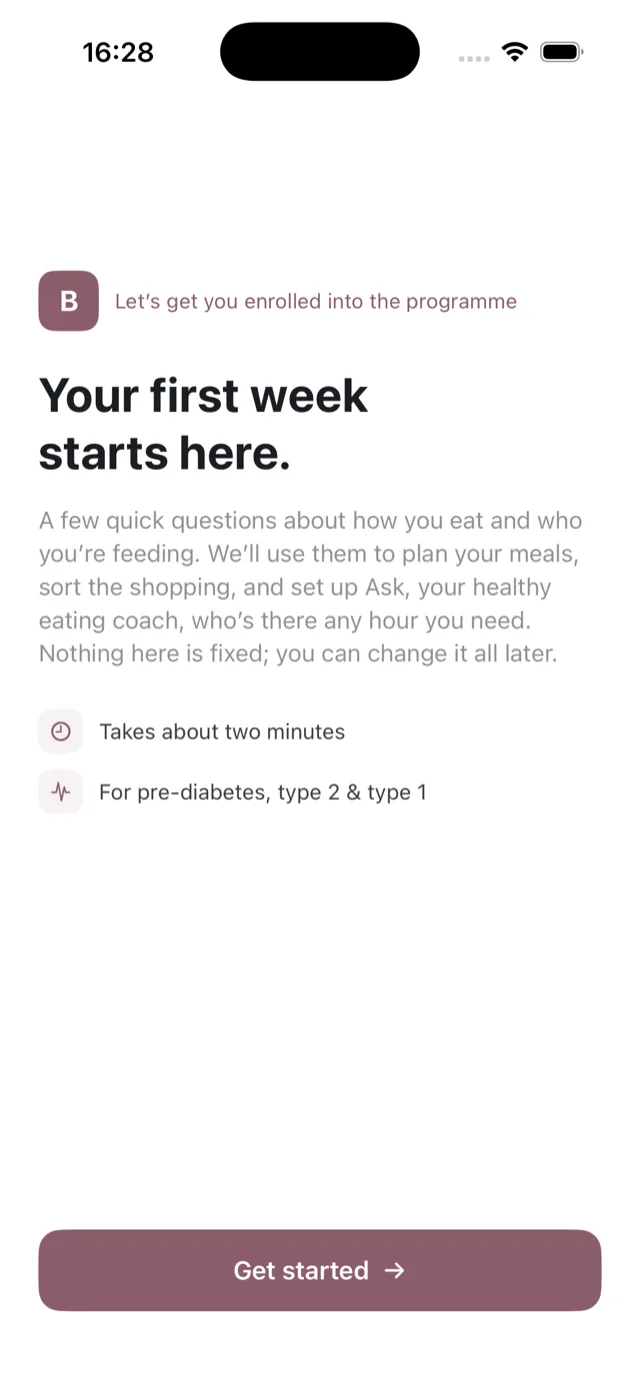
Setup takes about two minutes and is the only time Bolus asks you to fill anything in. It runs in four steps: about you, your health, your food, and how meals fit your week. Everything you answer can be changed later in Settings.
Before you start
The first screen is the disclaimer. It says plainly that Bolus is not a medical device, gives no dosing guidance, and is for adults making their own day-to-day food choices. You tick two boxes: one to agree, and one to consent to Bolus processing your health information, such as your diabetes details, glucose readings, body measurements, medication and activity data.
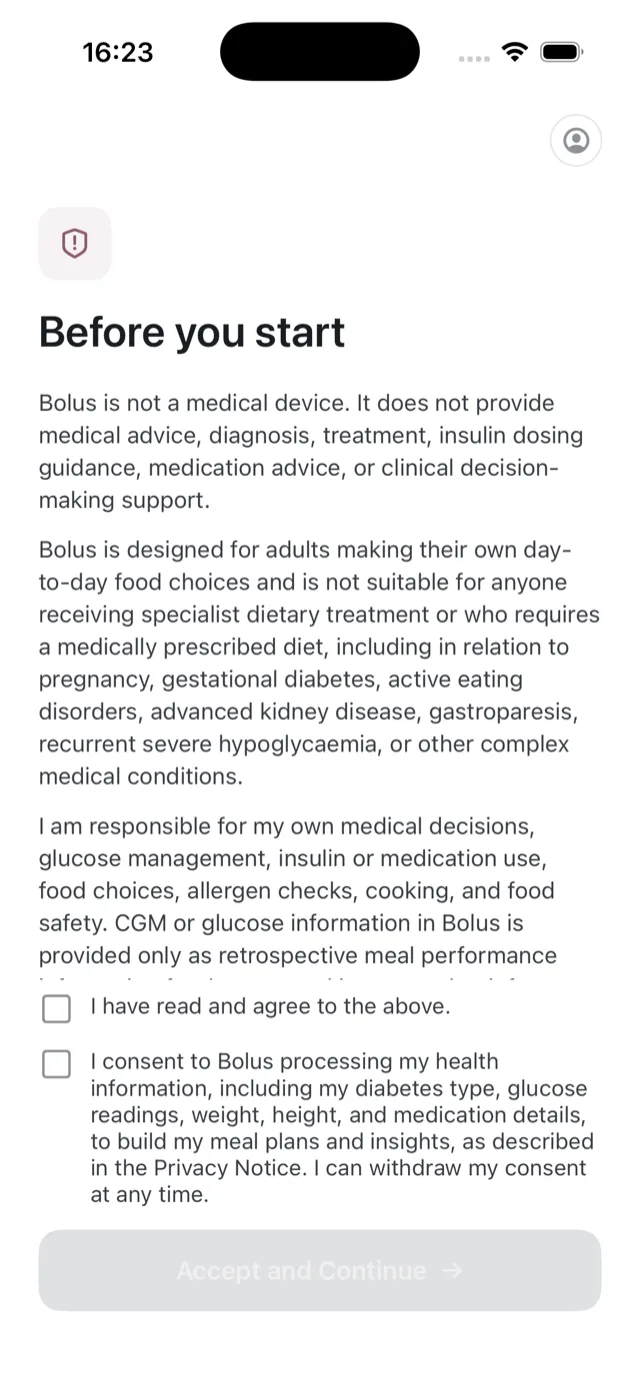
You can withdraw that consent at any time. If the wording of the disclaimer or consent changes later, Bolus shows it to you again and asks you to accept the new version. See what data Bolus collects.
Step 1: about you
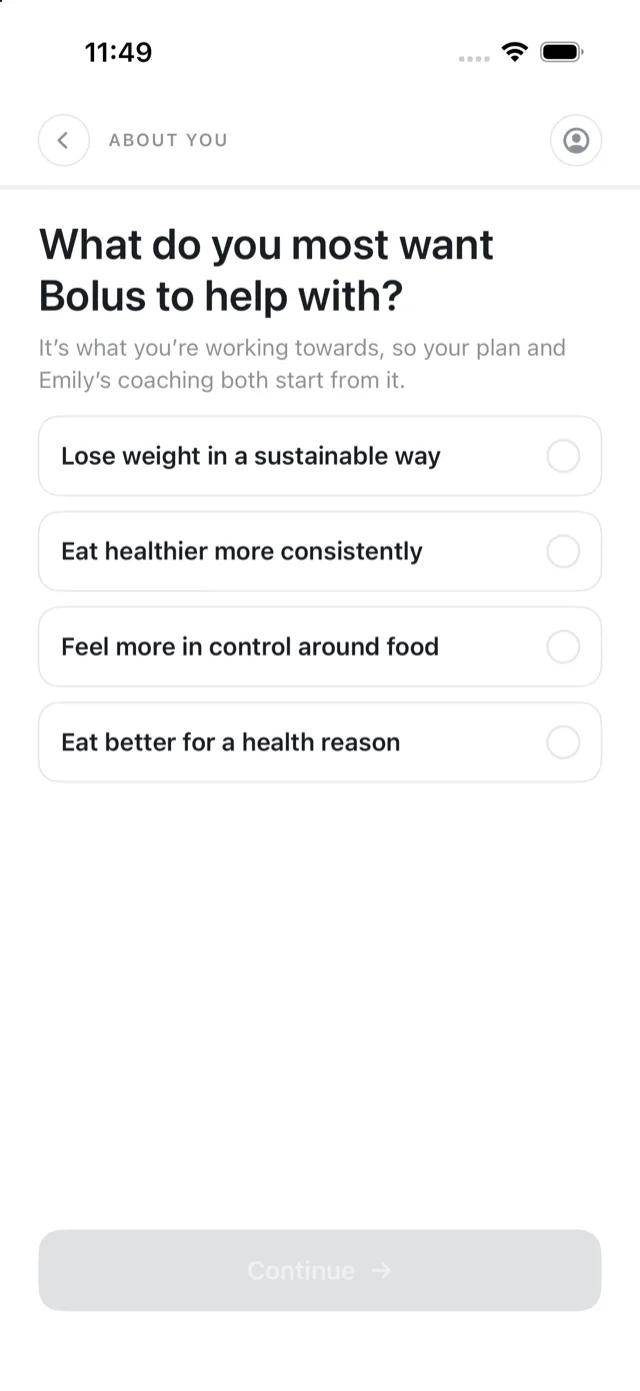
What you most want Bolus to help with: losing weight in a sustainable way, eating healthier more consistently, feeling more in control around food, or eating better for a health reason. This is your goal. It shapes the meals you are planned and how Emily coaches you, and it can be changed in Settings. See your goal and profile.
Then your first name, so the app knows what to call you.
Step 2: your health
- Your diabetes type: type 1, type 2, pre-diabetes, or not sure. Bolus records it but does nothing clinical with it.
- Sex assigned at birth, and whether you take weight-loss medication.
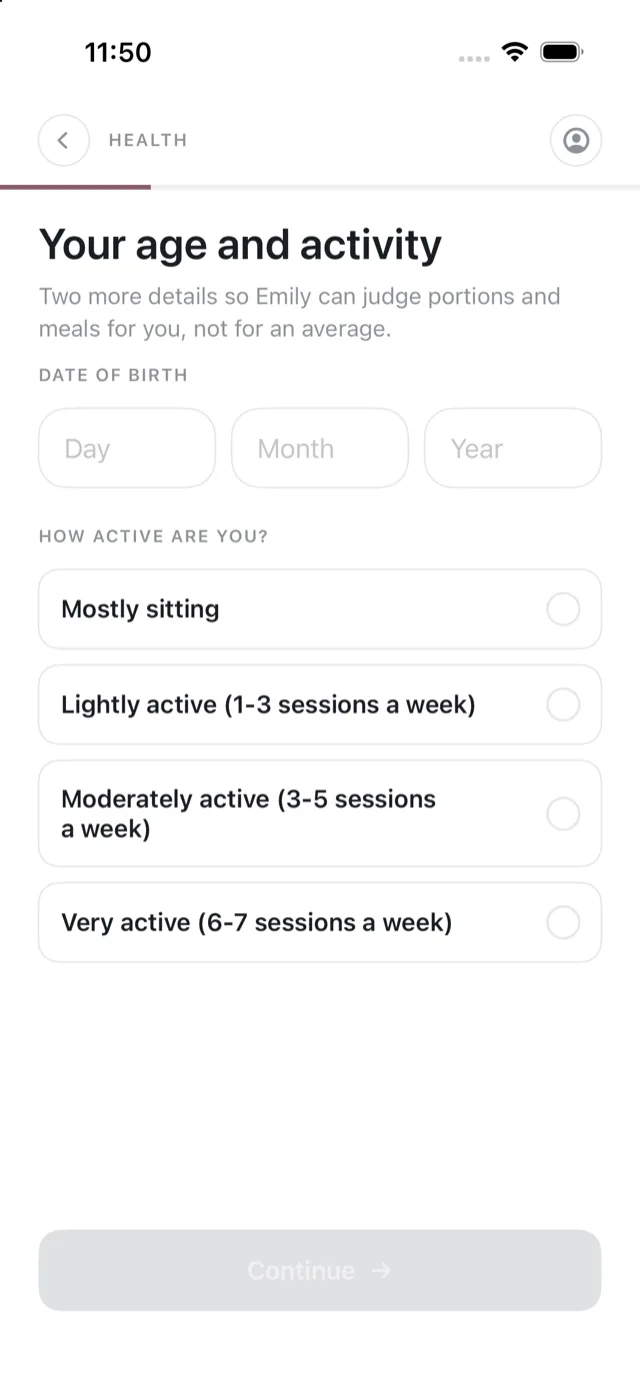
- Your date of birth and how active you are, from mostly sitting to very active. Together with your height and weight these help Bolus judge portions and meals for you rather than for an average. No calorie figure is ever shown from them.
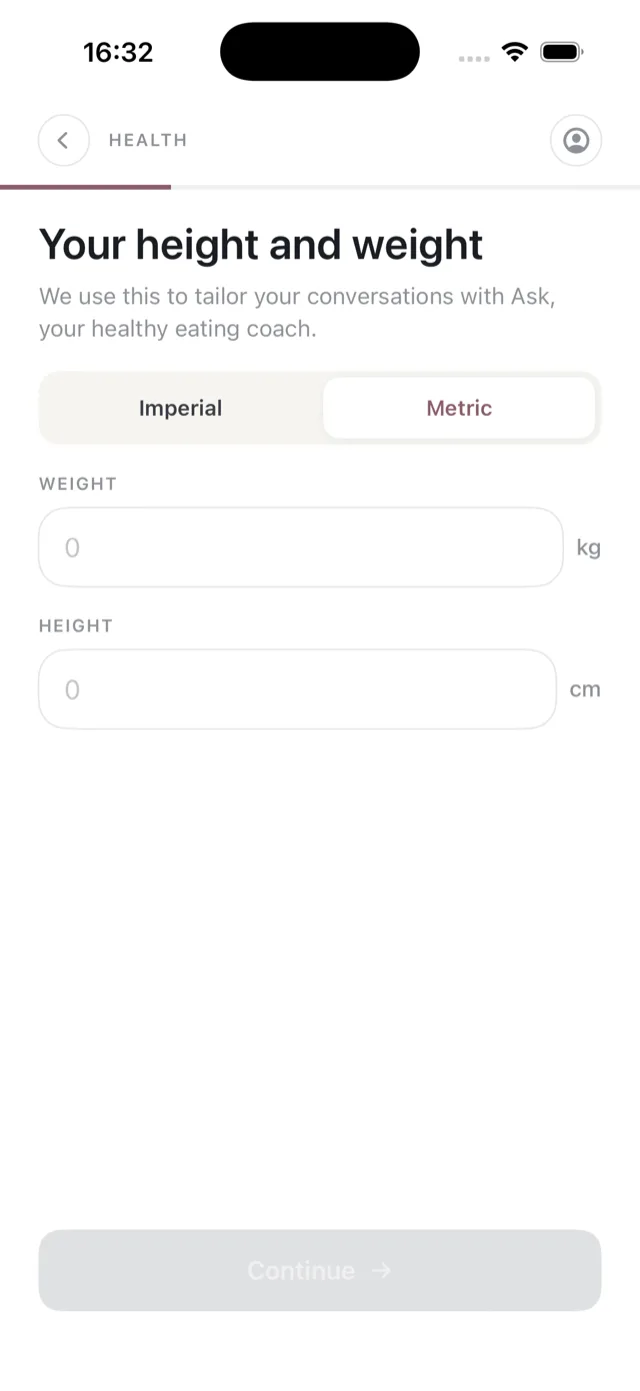
- Your height and weight, in metric or imperial.
If your goal is losing weight, Bolus may also suggest a first target weight, about 7% of your current weight in line with NHS guidance. It is yours to adjust or skip. See set a target weight.
Step 3: your food
The part that does the most work:
- How you eat: everything, mostly plants, pescatarian or vegetarian. Vegan is marked as coming soon.
- Foods you would rather skip, as a set of chips you tap.
- Allergies, which are hard-excluded from every plan, every week.
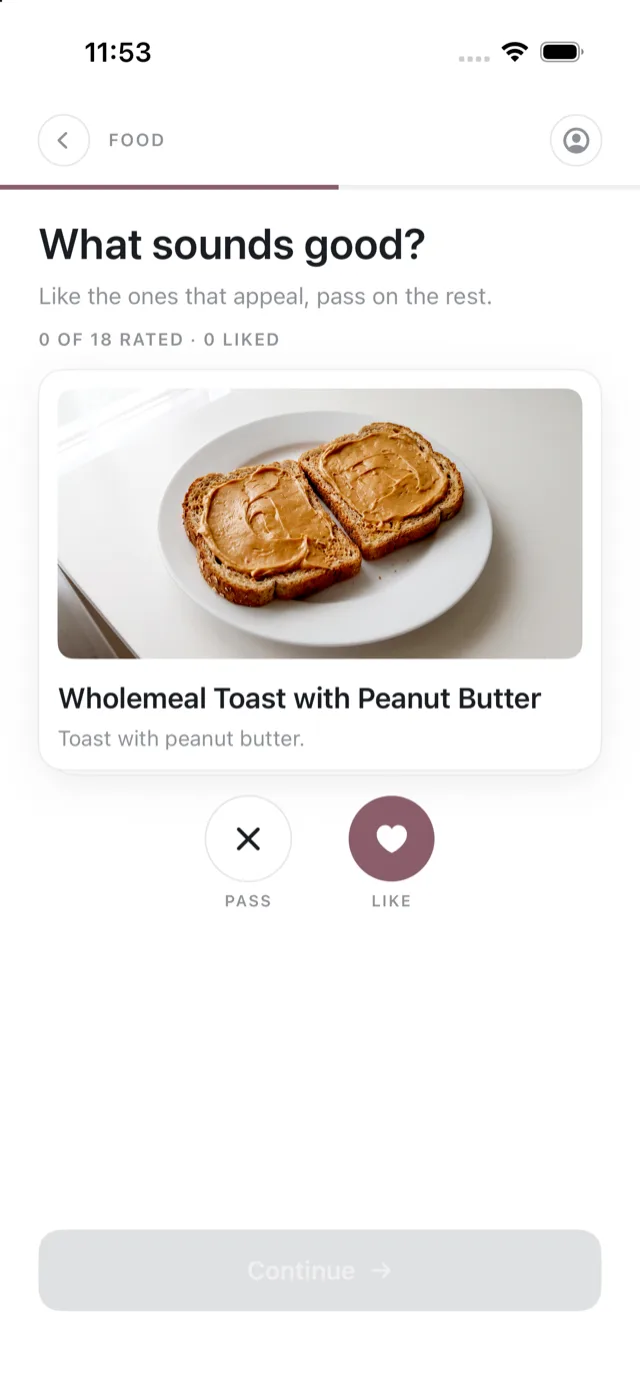
- A taste sampler, where you like or pass on meals to teach Bolus your taste. You need to rate at least four before you can continue.
See allergens and food preferences.
Step 4: how meals fit your week
- Portions and variety: light, regular or hungry portions, and how much variety you want week to week.
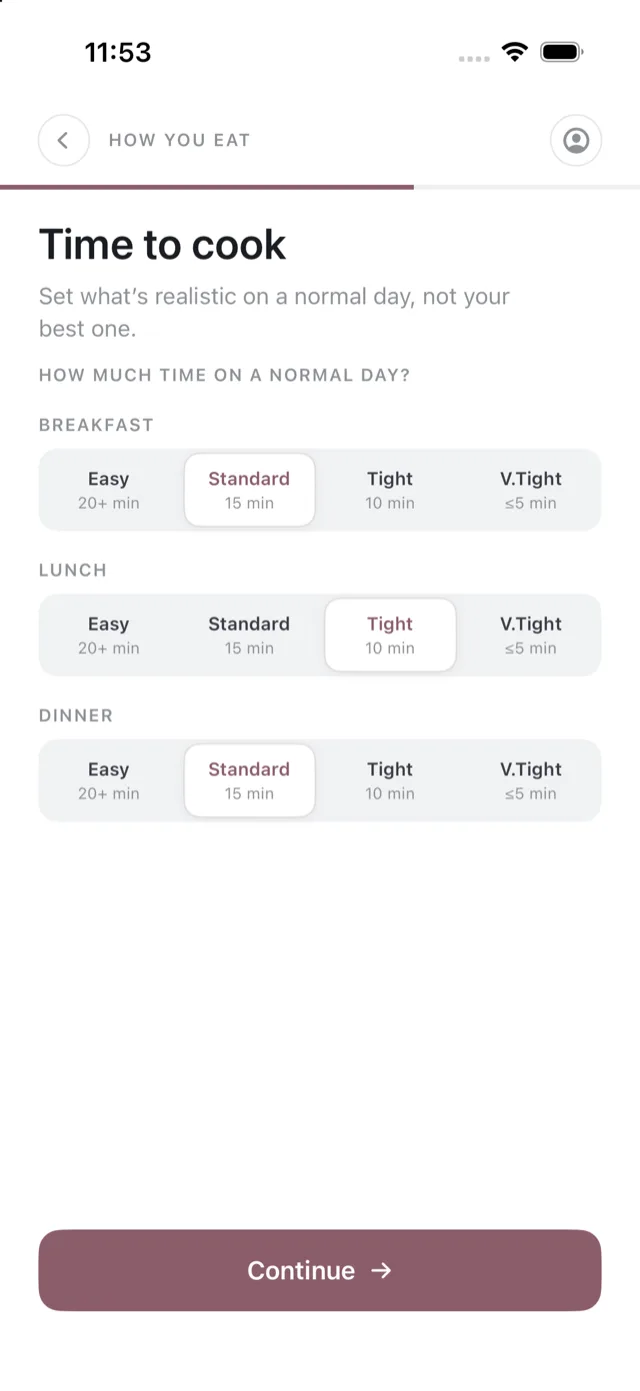
- Time to cook: how long you have on a normal day for breakfast, lunch and dinner, from Easy (20+ minutes) to V.Tight (5 minutes or less).
- Repeats and lunchbox: whether breakfast and lunch should be on repeat or mixed up, whether you cook or buy weekday lunch, and whether lunch needs to be packable.
- Who is eating: how many people you are cooking for.
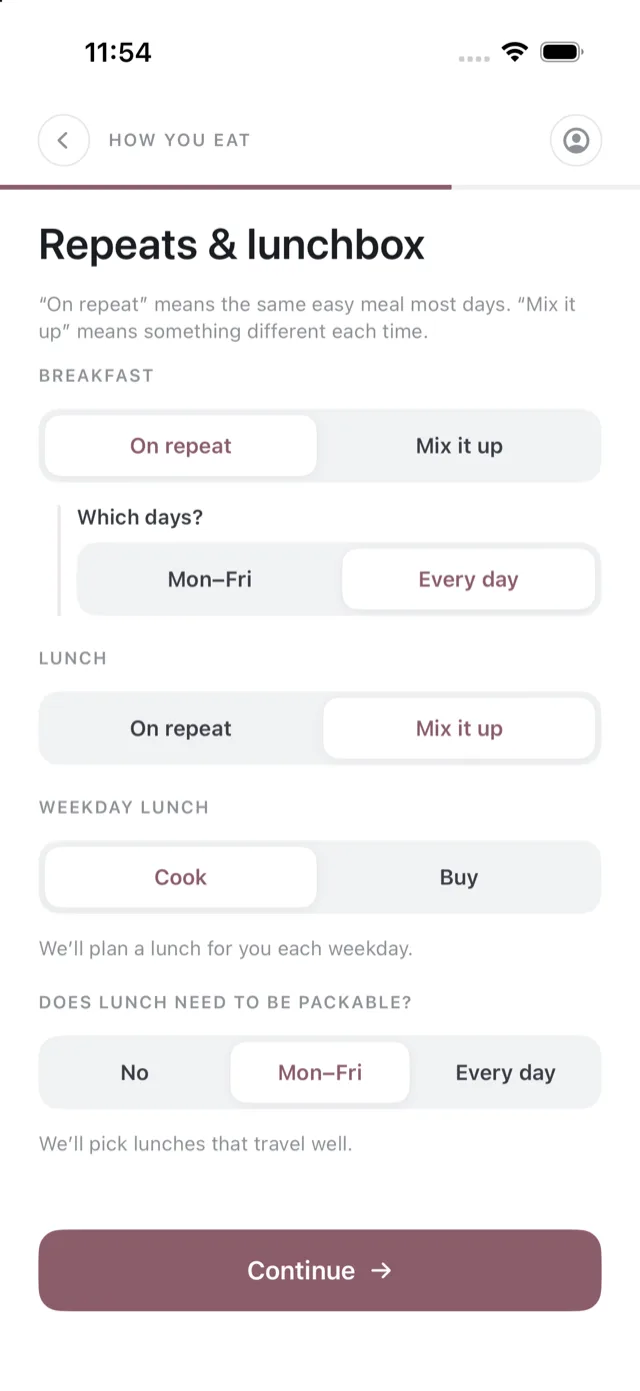
See how your plans are shaped and cooking effort and meal times.
Your CGM and your exercise
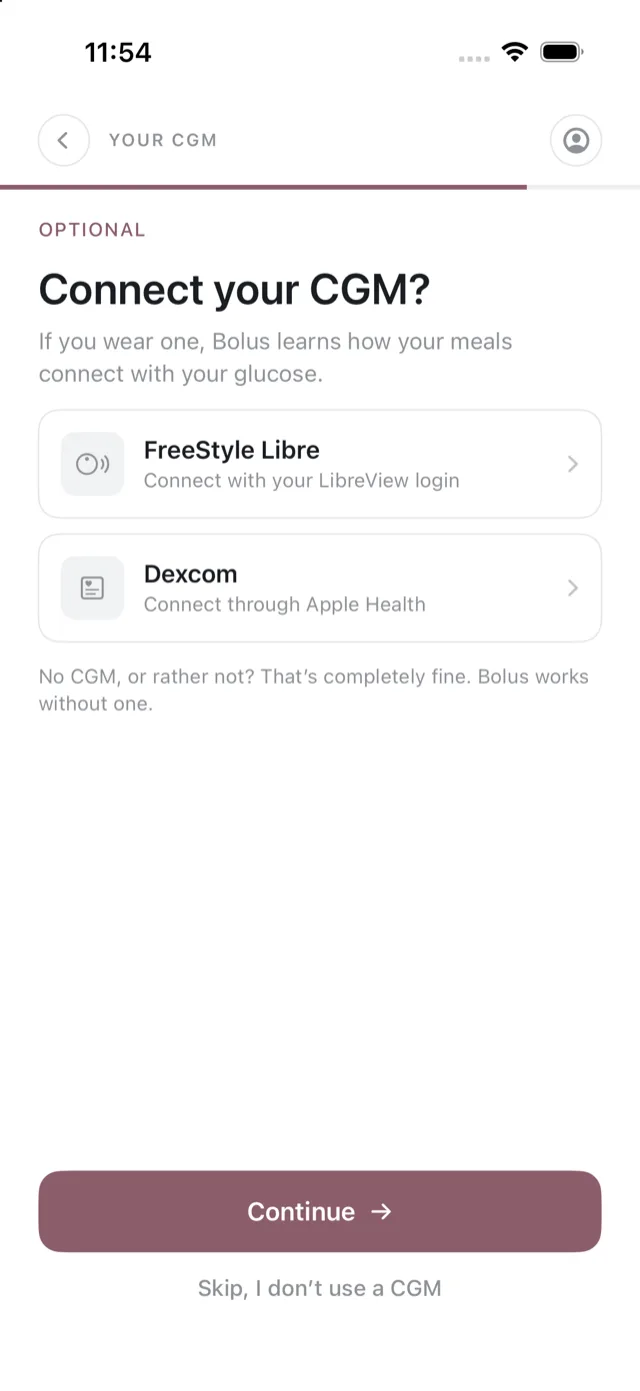
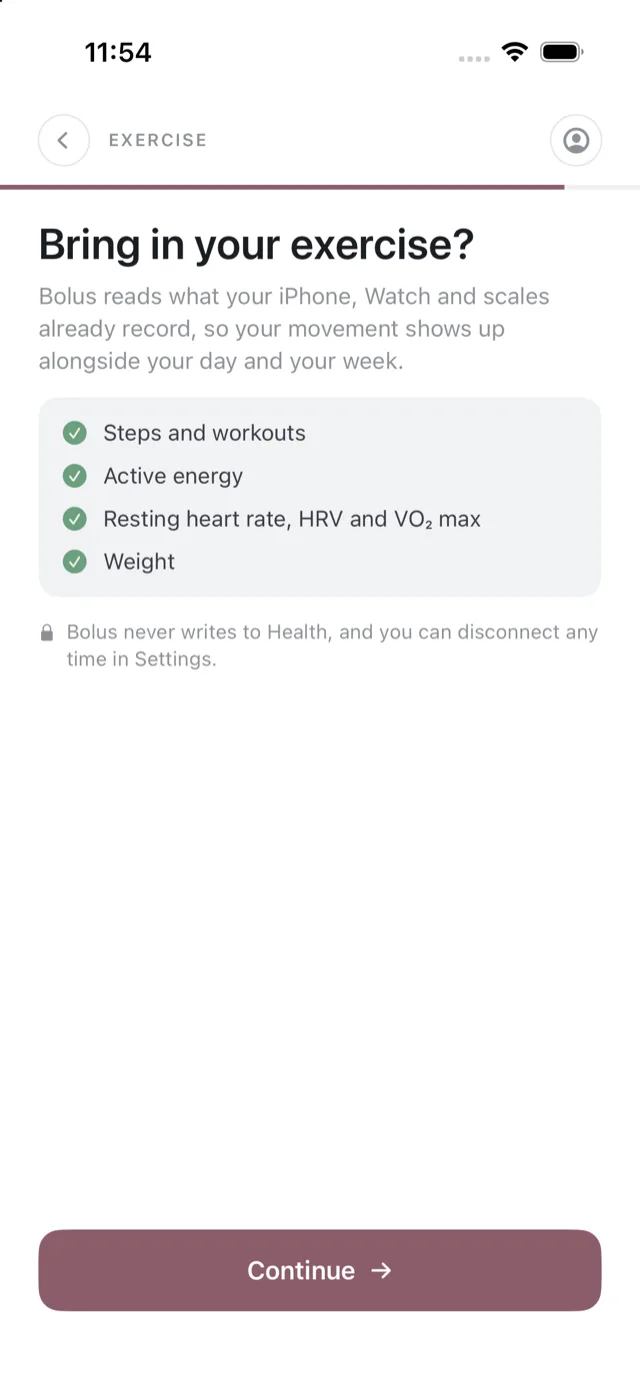
Both optional. If you use a FreeStyle Libre or Dexcom you can connect it here, and you can let Bolus read your steps, workouts, active energy, heart data and weight from Apple Health. You can skip either and connect later from Settings, or never. Bolus works fully without them. See Your CGM and connect Apple Health.
Last look, then your first week
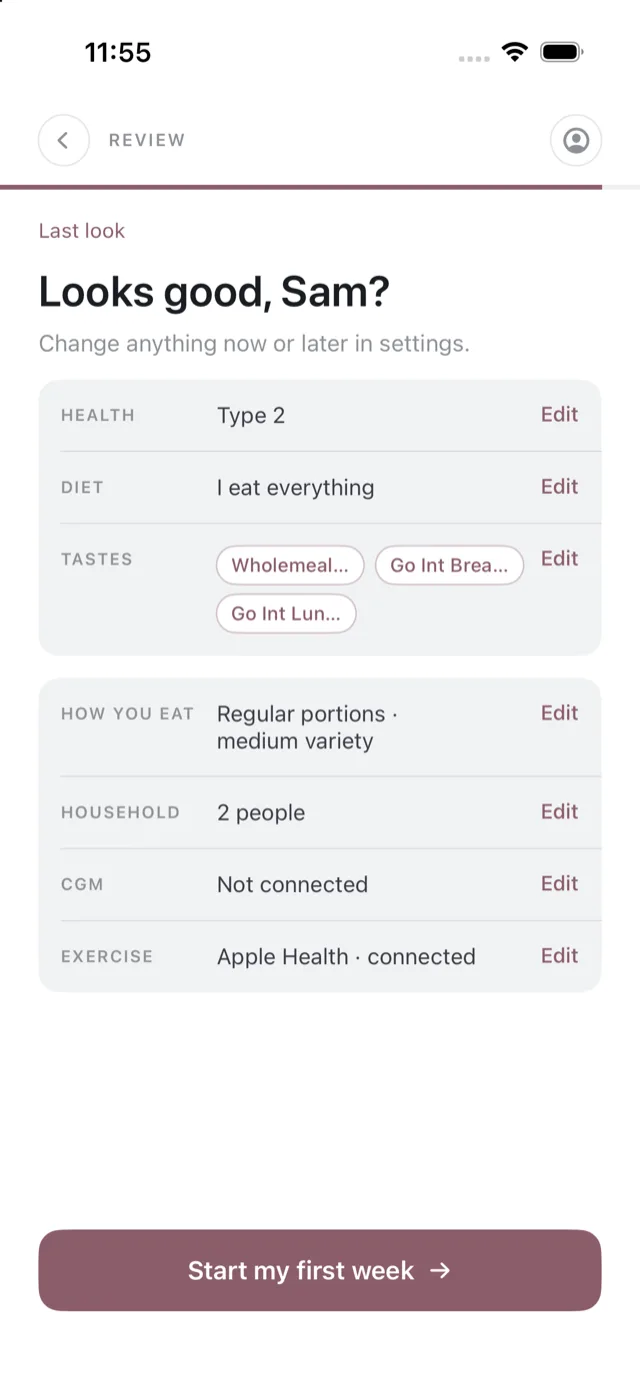
A summary shows what you answered, with an edit link against each part. Tap Start my first week and Bolus builds your plan and shopping list. See your first week.