Connecting
Connect Apple Health
Your exercise comes from Apple Health, so there is nothing to log by hand. Bolus reads what your iPhone, Watch and scales already record.
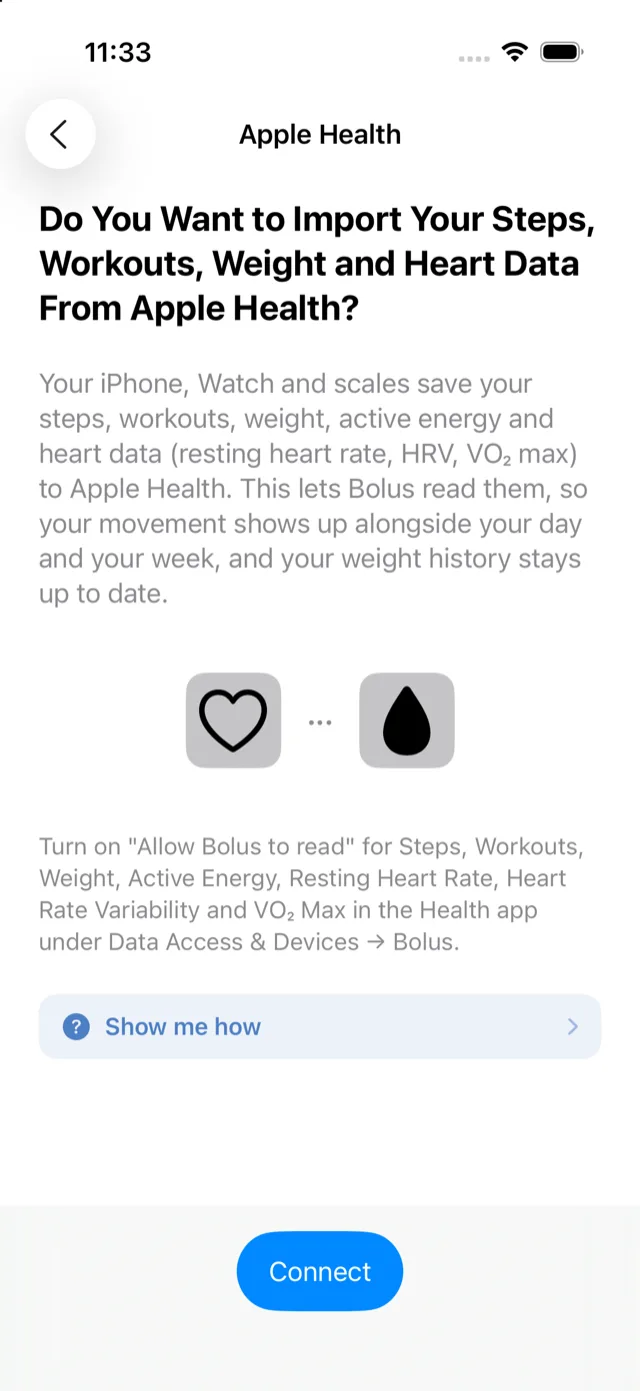
How to connect
- Go to Settings, then Exercise under Health data.
- Read what it will read, then tap Allow & connect.
- Apple’s Health permission sheet appears. Turn on the categories and tap Allow.
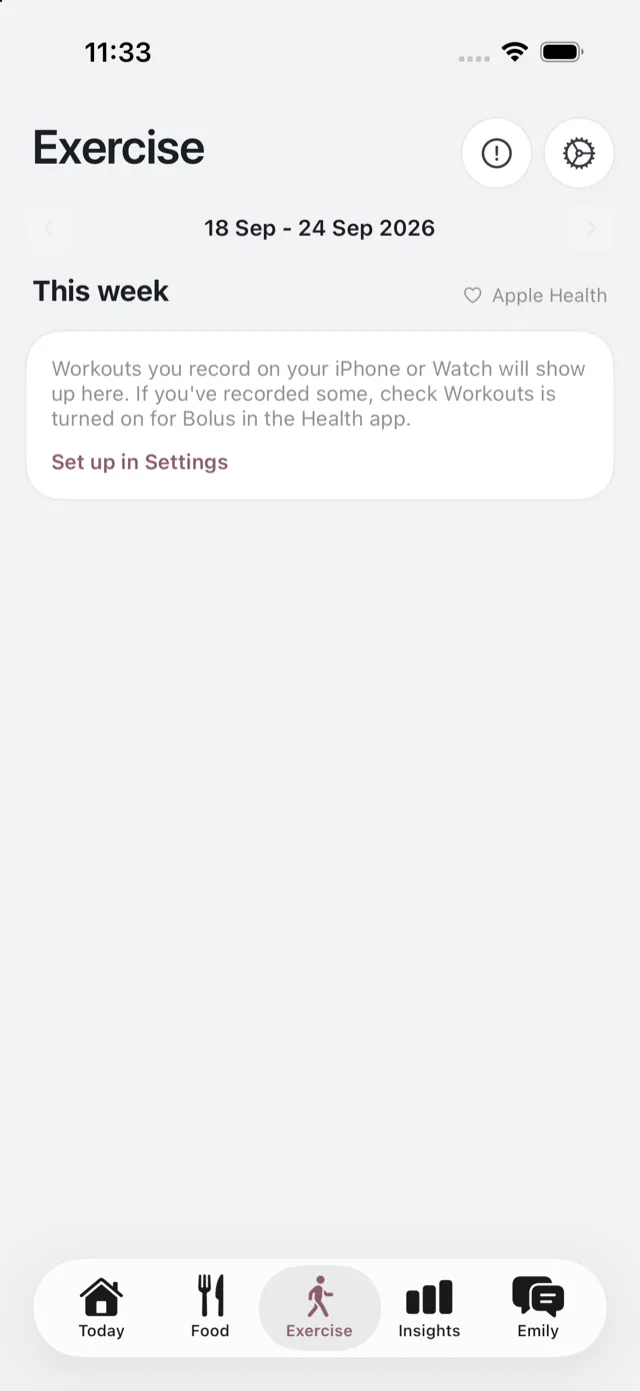
You can also do this during setup. If you skipped it then, the Exercise tab offers Set up in Settings.
What Bolus reads
- Steps and workouts.
- Active energy.
- Resting heart rate, heart rate variability and VO₂ max.
- Weight, which also fills in your weight trend on Insights.
That is the whole list, and it is read-only. Bolus never writes anything to Health.
Turning it off
Disconnect any time in Settings → Exercise. You can also manage it from Apple’s side, in the Health app under Browse, then Data Access & Devices, then Bolus, which is where iOS sends you to change individual categories.
Turning it off stops new data arriving. The Exercise tab goes back to its not-set-up state.
Is it Premium?
Connecting and seeing your own movement is part of the free programme. What Premium adds is context: Emily talking about your activity alongside your food and your glucose. See what is free and what is Premium.
Your data
Movement and heart data are health data and are handled as such. See your health and glucose data.