Food preferences
Allergens and food preferences
Settings → Allergens & preferences holds three separate things, and they work differently from each other.
Allergens
The strongest setting in the app. Bolus will never plan a meal containing an allergen you have listed. Not “rarely”, not “flagged”: never.
The list covers the common UK allergens: tree nuts, peanuts, milk and dairy, eggs, gluten and wheat, soya, fish, shellfish, sesame, celery, mustard and sulphites.
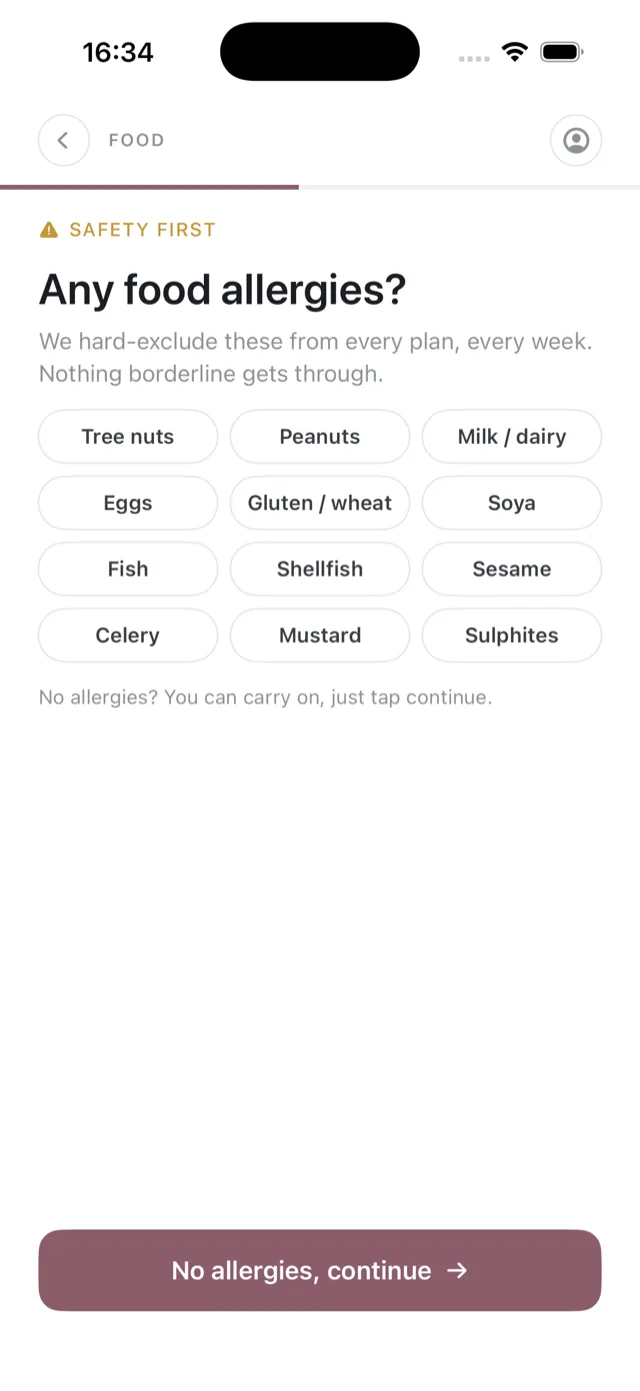
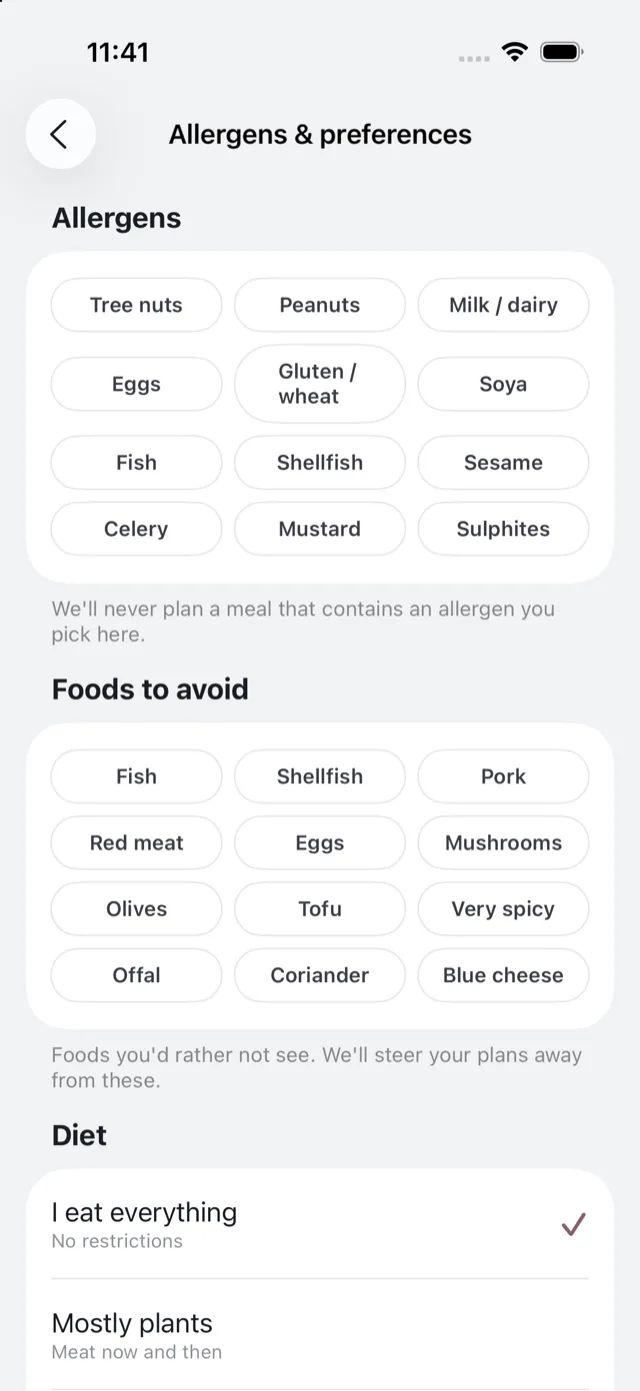
Bolus works from the ingredient data it holds for each recipe. It cannot know about cross-contamination in a factory or a shop, so always check labels yourself if your allergy is severe.
Diet
Your overall pattern: I eat everything, mostly plants, pescatarian or vegetarian. It sets the kind of food you get across the board.
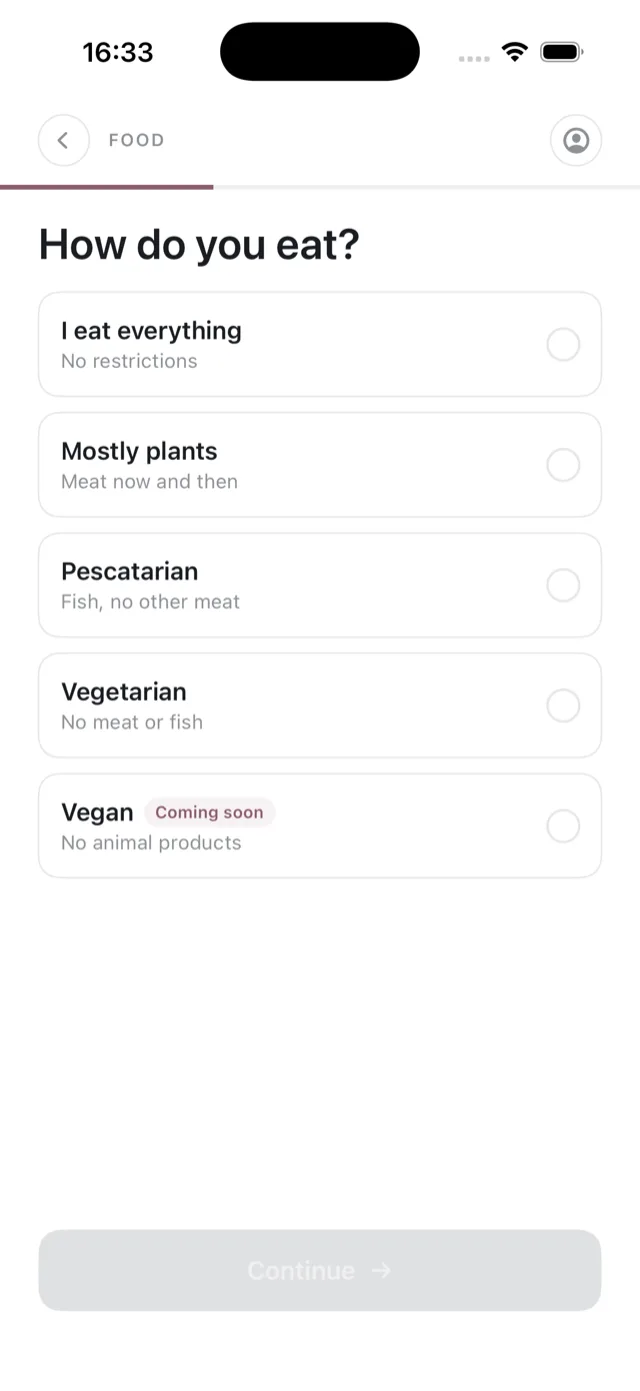
Vegan is marked as coming soon and cannot be selected yet. Tapping it explains that rather than storing anything.
Foods to avoid
Softer than an allergen. These are foods you would rather not see, such as mushrooms, olives, offal or very spicy dishes. Bolus steers your plans away from them.
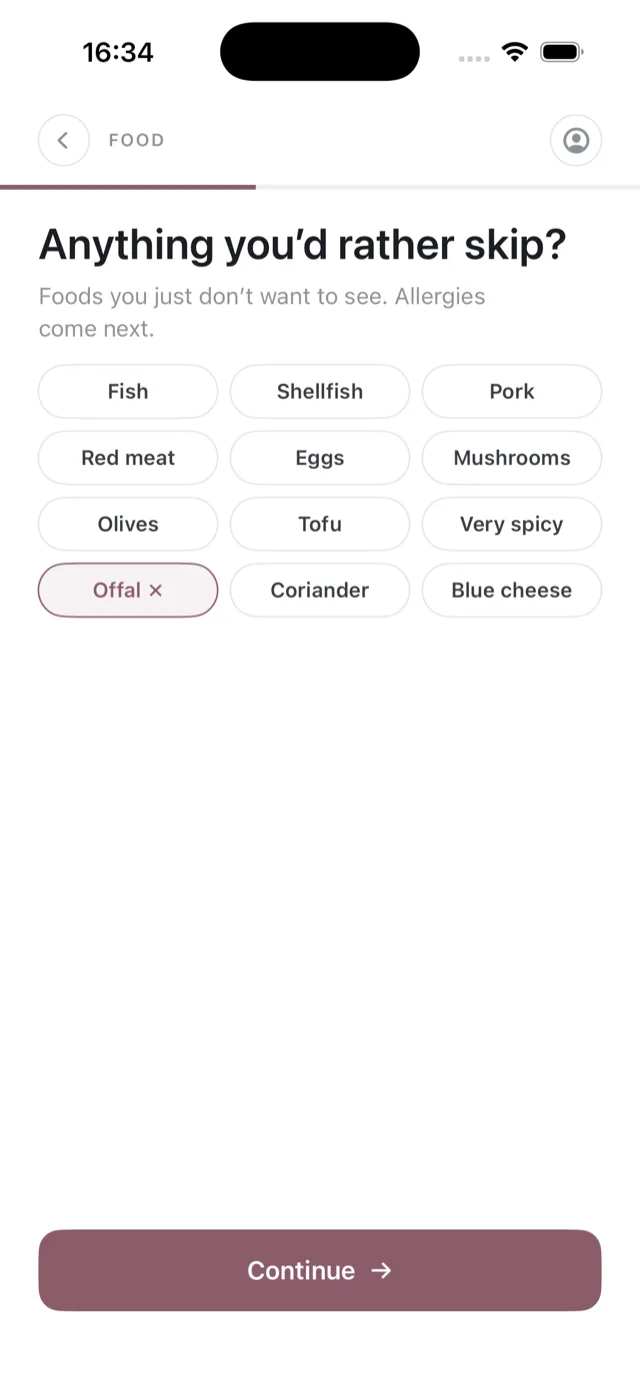
You can add to this list at any time, in Settings or by telling Emily.
Changing them later
Any of these can be changed whenever you like. Changes shape the next plan Bolus builds rather than rewriting the week you are in the middle of, unless you swap the affected meals yourself.