Which CGMs does Bolus support
Bolus works with two continuous glucose monitors: FreeStyle Libre and Dexcom. Connecting one is optional, and Bolus plans your food perfectly well without it.
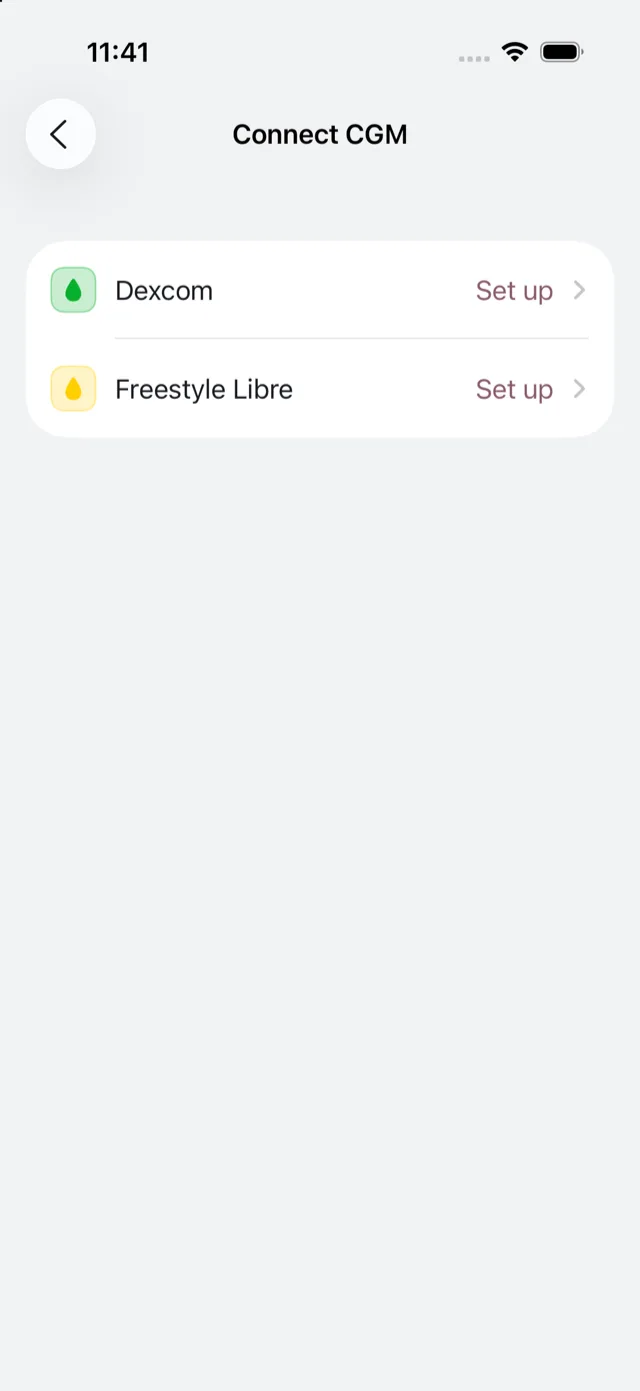
The two options
- FreeStyle Libre connects using your LibreLinkUp login, the same account you use with the Libre apps. See connect FreeStyle Libre.
- Dexcom connects through Apple Health on your iPhone. See connect Dexcom.
Bolus does not tie you to a particular model. If your device works with LibreLinkUp or shares its readings with Apple Health, Bolus can read them.
What you get by connecting
With a CGM connected, Today shows the day’s trace and how much of it sat in the normal range, and Insights shows the week, your time in range over 7 to 90 days, and your meals marked along the trace. With Bolus Premium you also get the per-dish read: how each meal has landed on you. See your glucose over time.
Bolus shows this as information for you. It is not a medical device, it does not give dosing or treatment advice, and it does not tell you to change what you eat. You carry on managing your glucose with your care team as normal.
Where to connect
You can connect during setup, or any time later from Settings, under Health data. To understand exactly what Bolus reads, see what Bolus reads from your CGM.