Weight
Your weight trend
The weight card plots your readings over time, so you see a direction rather than a daily number.
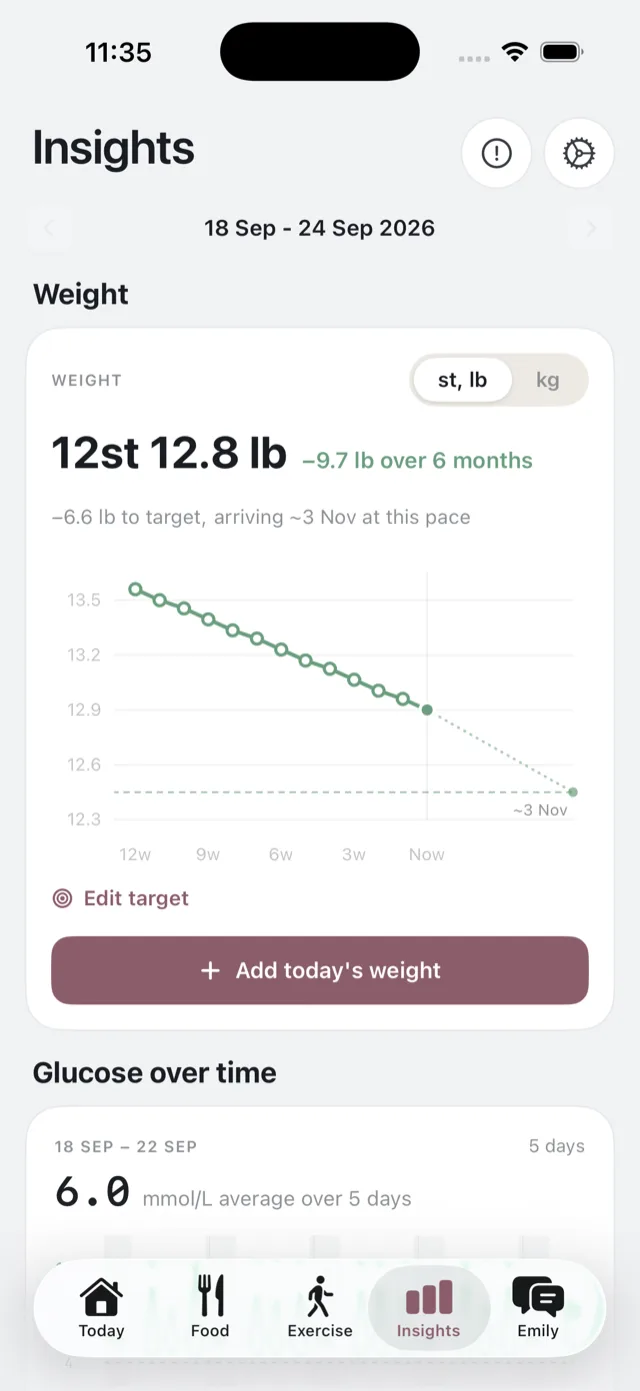
Adding a reading
Tap Add today’s weight, type it in, and save. You can record one reading a day; adding another for the same day replaces it.
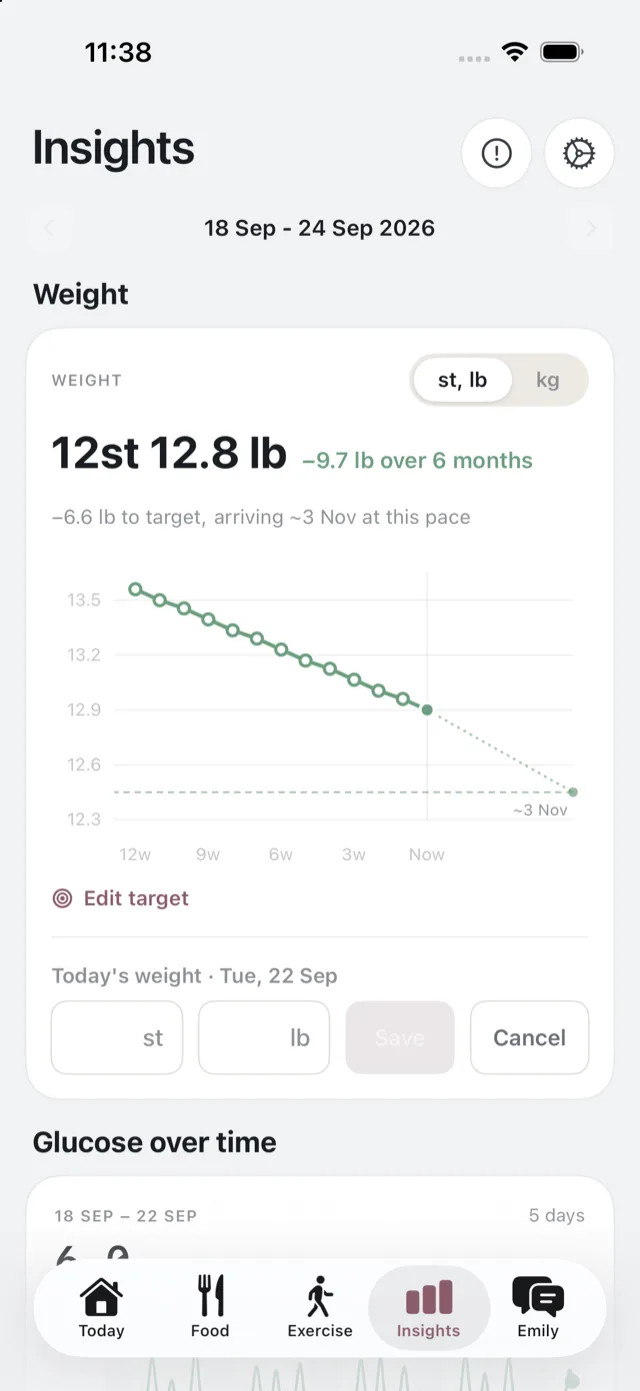
If you have connected Apple Health, weight recorded by your scales or by another app is pulled in automatically, so there is often nothing to type at all. See connect Apple Health.
Units
The toggle switches between st, lb and kg, and it changes the entry fields as well as the chart. Pick whichever you think in.
Reading the card
Above the chart: your most recent reading, and the change across the window. If you have set a target, the card also says how far there is to go and roughly when you would arrive at your current pace, drawn on the chart as a dotted path.
Arrival is always described as approximate, because it is a path rather than a promise. The line needs at least two readings before it draws a trend, so a first entry shows as a single point.
Targets
Setting a target is optional and belongs to the weight-loss goal. See set a target weight.
How often to weigh
As often or as rarely as you like. Bolus does not nag you for a reading, and it does not change your meal plan because of what you weighed. Weight is context, alongside the rest of your week.
Where it goes
Your weight is part of your health data, stored with your account. See your health and glucose data.