Join & access
Download Bolus
Getting started with Bolus is simple. There is nothing to apply for and no waiting list to join. You download it from the App Store, sign in with Apple, and answer a few questions.
Get the app
- Open the App Store on your iPhone.
- Search for Bolus and download it, the same way you would any other app.
- Open Bolus once it has installed.
Bolus needs iOS 18 or later. If the App Store will not offer it to you, check for a software update first.
What it costs
Bolus is free to download and free to use. Your weekly plans, your shopping list, swaps and the Today, Food, Exercise and Insights tabs are all part of the free programme.
Bolus Premium is an optional subscription that adds Emily, the AI coach, weight goals, and how each meal lands on your glucose. It is £14.99 a month, or £99.99 a year starting with a free week. You are offered it once at the end of setup and can carry on with free. See what is free and what is Premium.
Sign in with Apple
The first few screens introduce the app: the food, the exercise side, and Emily. Swipe through them, or wait and they move on by themselves, then tap Get started and Sign in with Apple. Confirm with Face ID, Touch ID or your passcode.
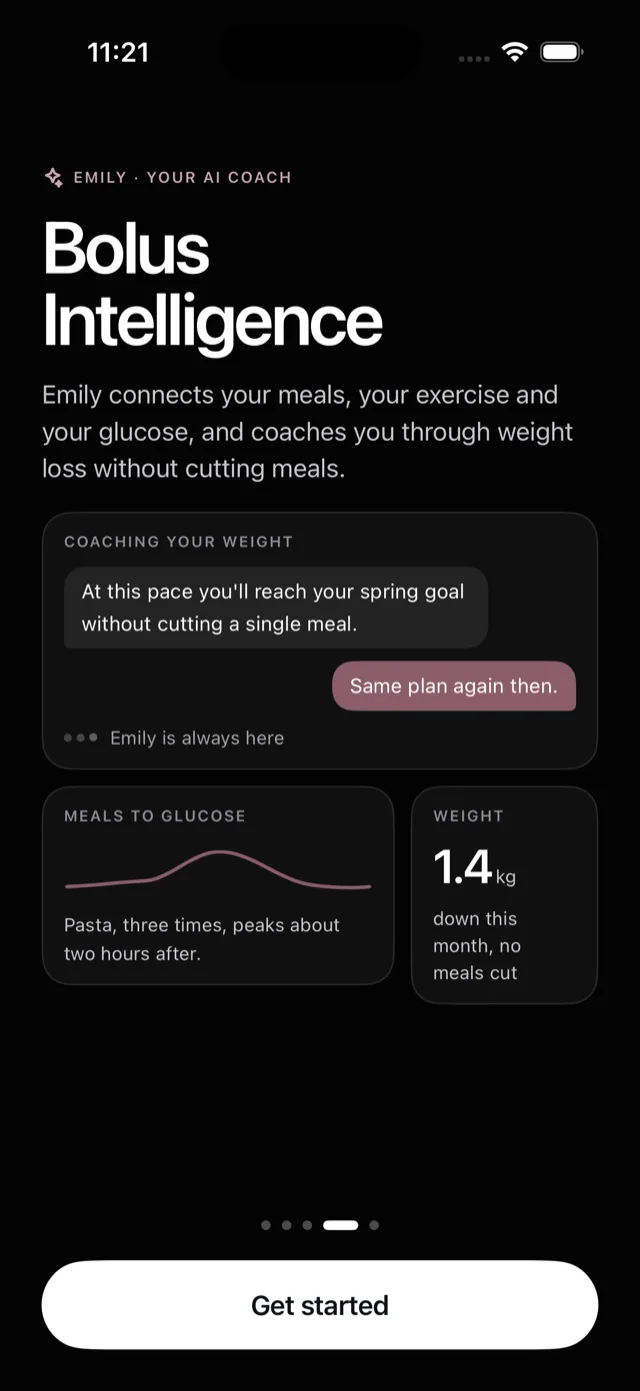
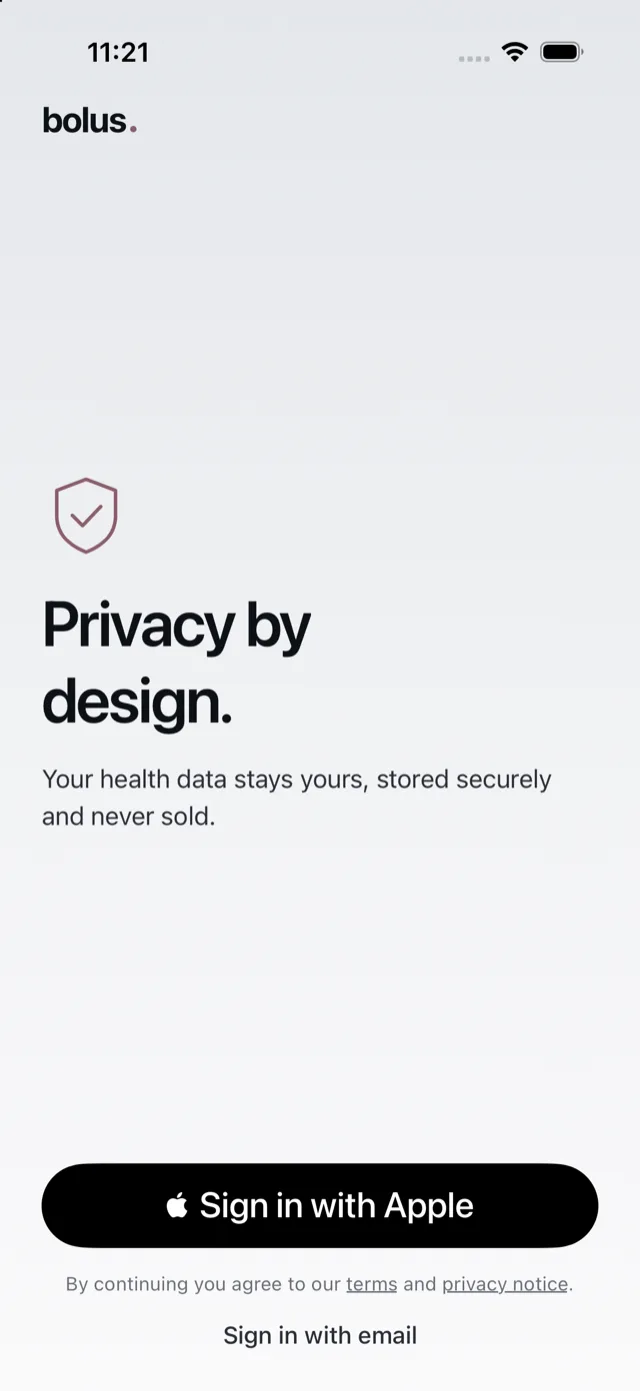
That is the only way to create an account, so there is no separate Bolus password to choose or forget. See sign in with Apple.
The first time you sign in, your account is created. There is no approval step, so you go straight into setup.
iPhone for now
Bolus is currently available on iPhone only. If you are on Android, see is Bolus on Android.
Once you are in, a short setup gets your first week ready. See the setup questions.