Cooking
When you are short of ingredients
Bolus checks the meal in front of you against what you have ticked off your shopping list. If something is missing, it tells you before you start cooking rather than halfway through.
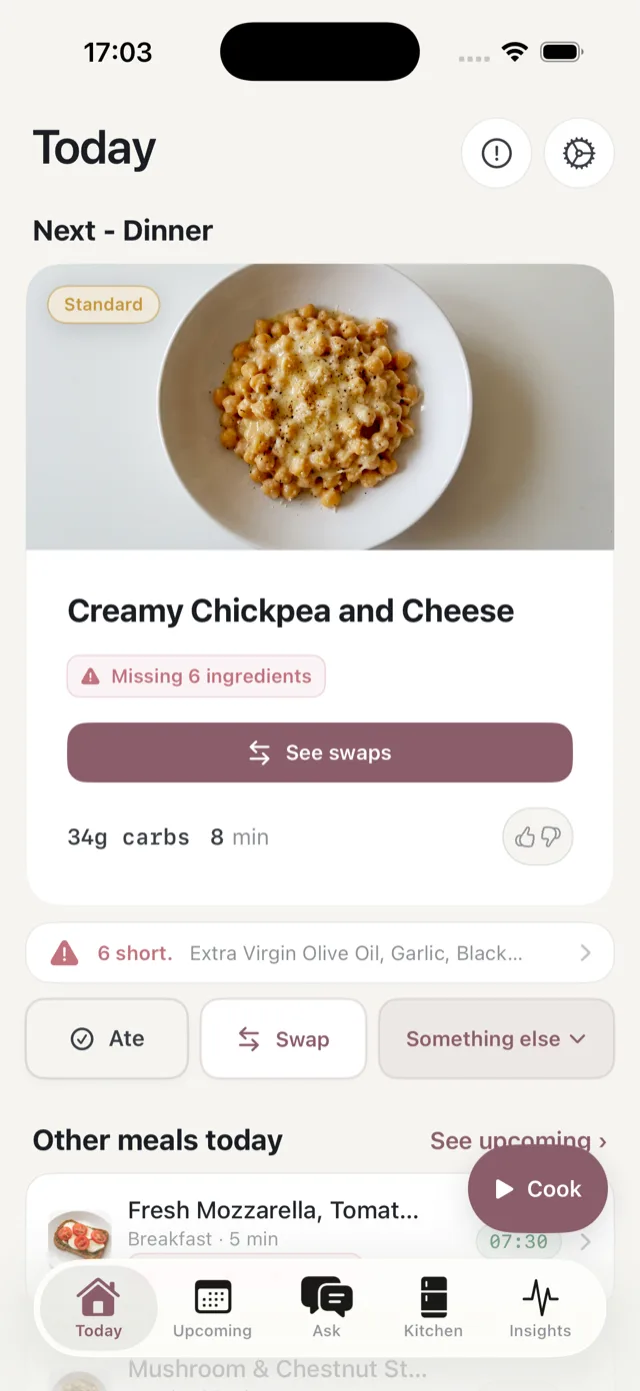
What you see
The meal card shows Missing N ingredients and a See swaps button, and a line underneath names the first few, for example “4 short. Porridge Oats, Frozen Raspberries…”. Tap it to see the full list.
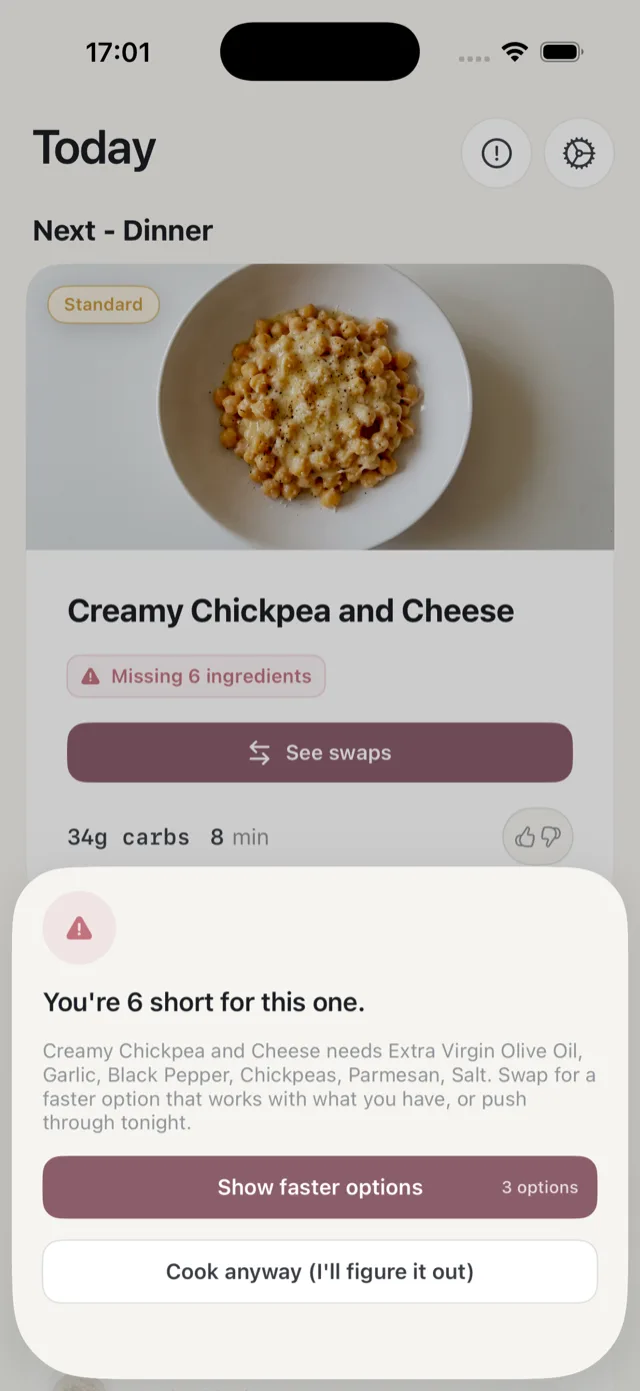
If you tap Cook anyway, Bolus shows you what you are short of and gives you three choices:
- Show faster options. Replacement meals that work with what you already have in.
- Cook anyway. Carry on regardless, if you have the ingredients under another name or you are happy to improvise.
- Close the sheet and do something else with the evening.
Why it says you are missing something
The check is based on your shopping list. If you bought an ingredient but never ticked it off in the Shopping list, Bolus does not know you have it. Ticking it off clears the warning. See how your shopping list works.
It can also mean the shop genuinely did not have something, or a swap added a meal that needs an ingredient you had not bought for.
Store cupboard basics like oil and salt are still listed, because Bolus cannot know what is in your cupboard. Ticking them off once keeps them out of the warnings.
The reminder
If reminders are on, Bolus sends one notification when you are missing ingredients for tonight’s dinner, so you find out while there is still time to pop out. See notifications.
If a meal is missing ingredients that you think should have been on the list in the first place, see meals are missing ingredients.