Getting hold of us
Get in touch with us
There is a real team behind Bolus, and you can reach us several ways. All of them live at the bottom of Settings, under Help & support, and the ! button in the corner of any tab opens the report form directly.
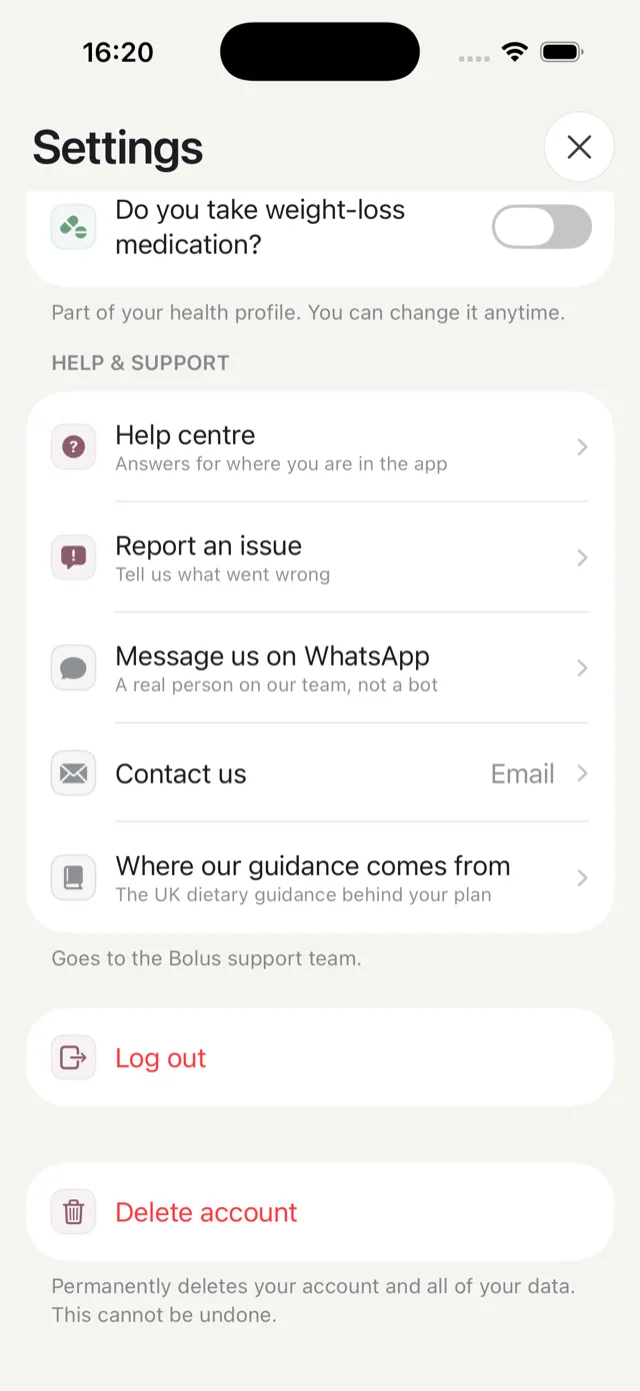
Report an issue, or suggest a feature
Best for something that went wrong in the app, or something you wish it did. The same form takes both: a picker at the top switches between Something’s wrong and Idea or request, so you can change your mind without backing out.
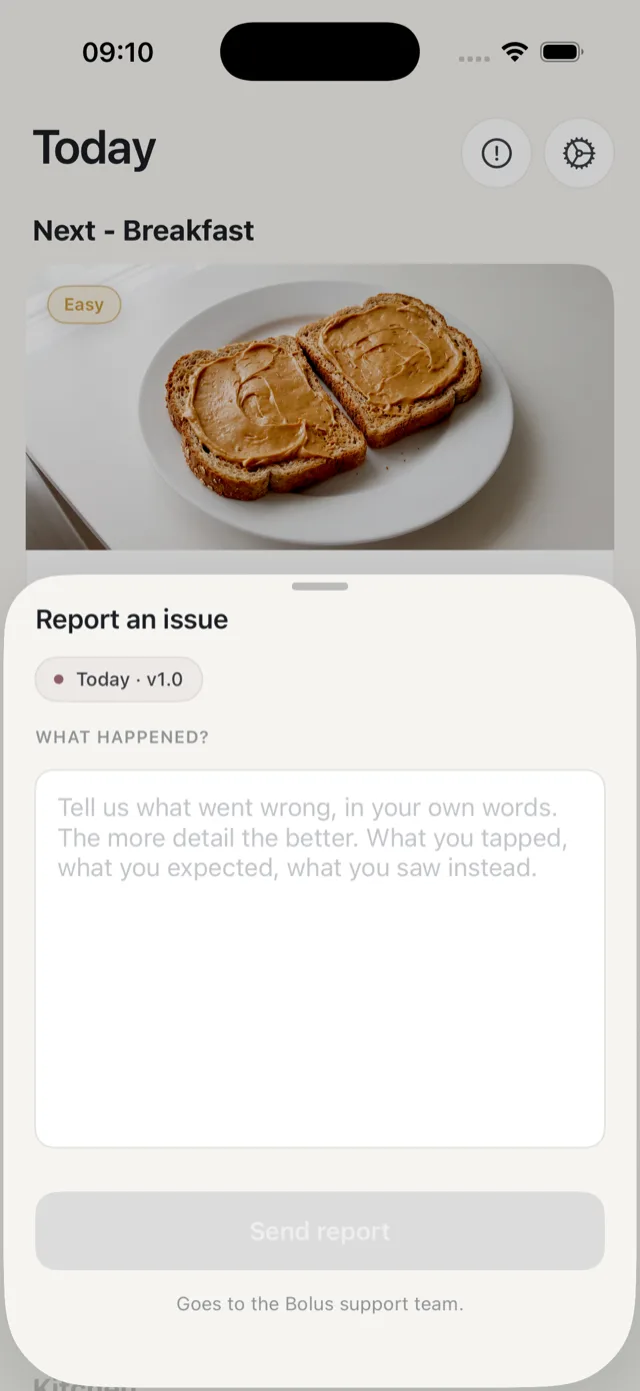
The report automatically carries which screen you were on and which version you are running, which saves a round of questions. The more detail you give the better: what you tapped, what you expected, and what you saw instead.
We read every report. If we need more we will email you, and otherwise you do not need to do anything else. We cannot build everything that is suggested, but suggestions are how we decide what comes next.
Message us on WhatsApp
A real person on our team, not a bot. Best for a quick question, or when it is easier to explain something in a couple of messages than in a form.
Email us
Contact us opens an email to support@bolus.health with your app version filled in. Best for anything with detail, like a data request or a billing question. You can also email that address directly from any mail app.
The help centre
Help centre opens these pages inside the app, at the topic covering whatever screen you were on. You are reading it now.
What we cannot help with
We can help with the app, your account, your plan and your subscription. We cannot advise on your insulin, your medication or your treatment: that is for your diabetes team. See what Bolus does and does not do.
Refunds and billing
Payment is handled by Apple, so refunds go through Apple rather than us. See refunds and billing issues. If something has gone wrong with your subscription in the app, tell us and we will look into it.