Cooking
Cook a meal
Tap Cook in the bottom corner of Today and Bolus walks you through the recipe.
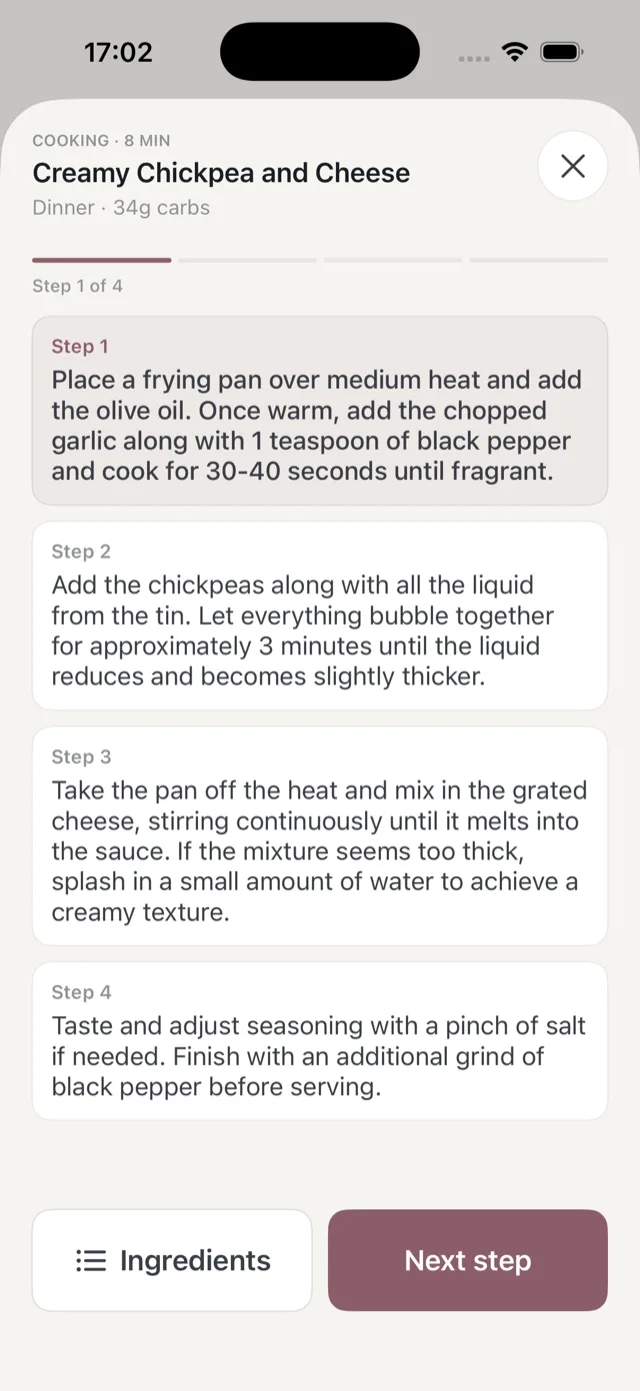
What you see
The header shows the meal, how long it takes and the carbs per serving, and a progress bar tracks where you are, for example Step 1 of 4. Tap Next step to move on.
Tap Ingredients at any point to switch to the ingredient list, then back to the steps. The ingredient list is split into what is missing and what is in your kitchen, based on what you have ticked off your shopping list.
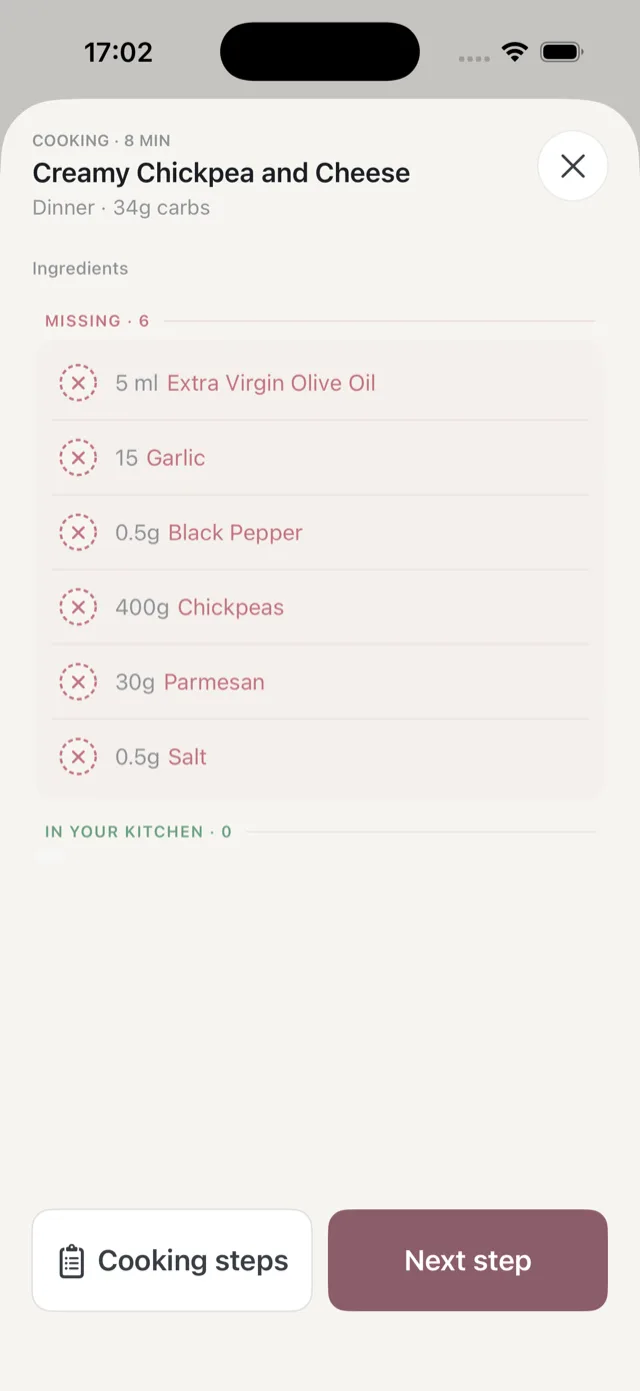
Before you start
If Bolus thinks you are short of something, it says so before the steps begin, and offers faster alternatives that work with what you have. You can always carry on regardless with Cook anyway. See when you are short of ingredients.
Finishing
When you have worked through the steps, mark the meal as eaten. See mark what you ate.
Your screen stays awake while the cook flow is open, so it will not lock with your hands covered in flour. It goes back to normal when you close the flow.
A reminder on your Lock Screen
About an hour before a planned meal, Bolus can put the meal on your Lock Screen as a Live Activity, so the next thing to cook is one tap away. See widgets and the Live Activity.