Shopping your way
Add your own items
Your shopping list is built from your meals, but your shop is not. You can add anything else you need to the same list.
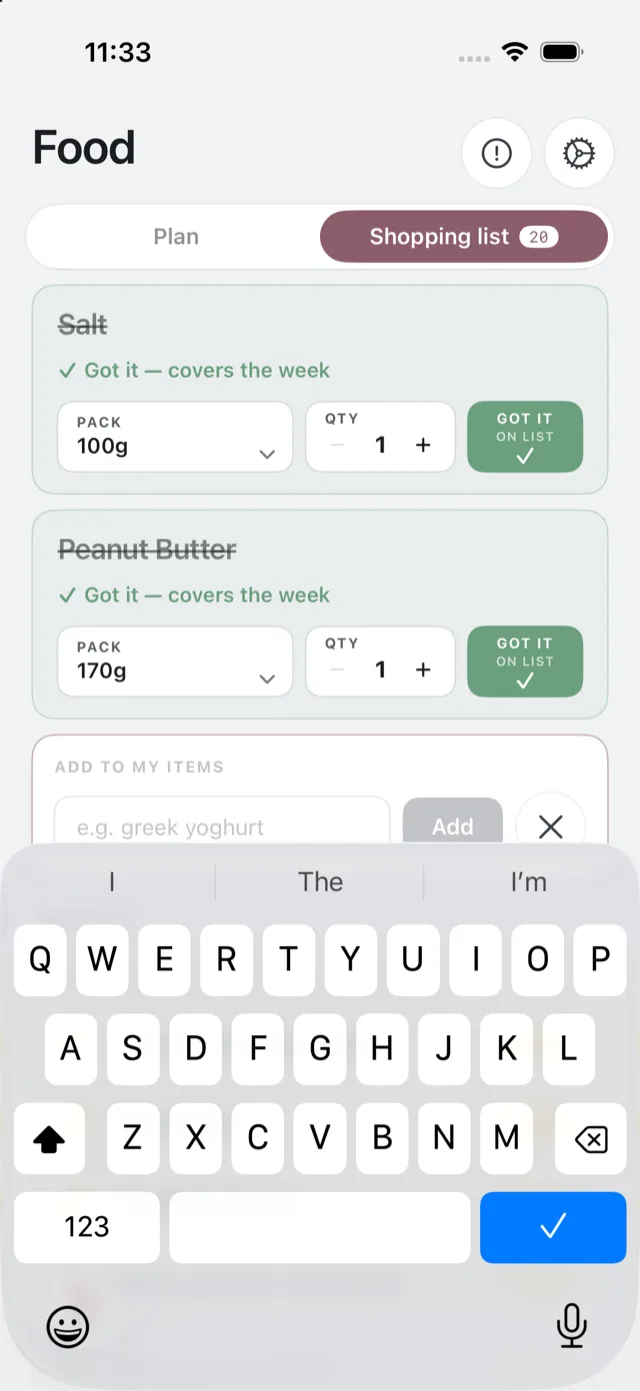
Adding something
Tap Add to my items at the foot of the Shopping list, type what you need, and add it. Your own items appear under My items, kept separate from the ingredients Bolus planned.
What they do and do not do
Your own items:
- Sit on the same list, so you only carry one list round the shop.
- Tick off the same way as anything else.
They do not feed into your meals, your nutrition figures or your Insights. Bolus does not treat an item you added as something you ate; it is a shopping note, not a food diary.
Removing one
Swipe or open the item to delete it. Items you added are yours to remove at any point, and they do not come back next week: each week’s list is built fresh from that week’s meals.
Things Bolus never adds
Water is never on the list. Store cupboard basics such as oil and salt appear as a “check you have” rather than something to buy every week, on the assumption you already have them in.